Home › Screenshots

StreamX screenshots: media player for Android TV

A tour of StreamX on Android TV and Google TV: movies, series, live TV, EPG, sports, search, player and settings. Click any picture to see it full size.

Movies and series
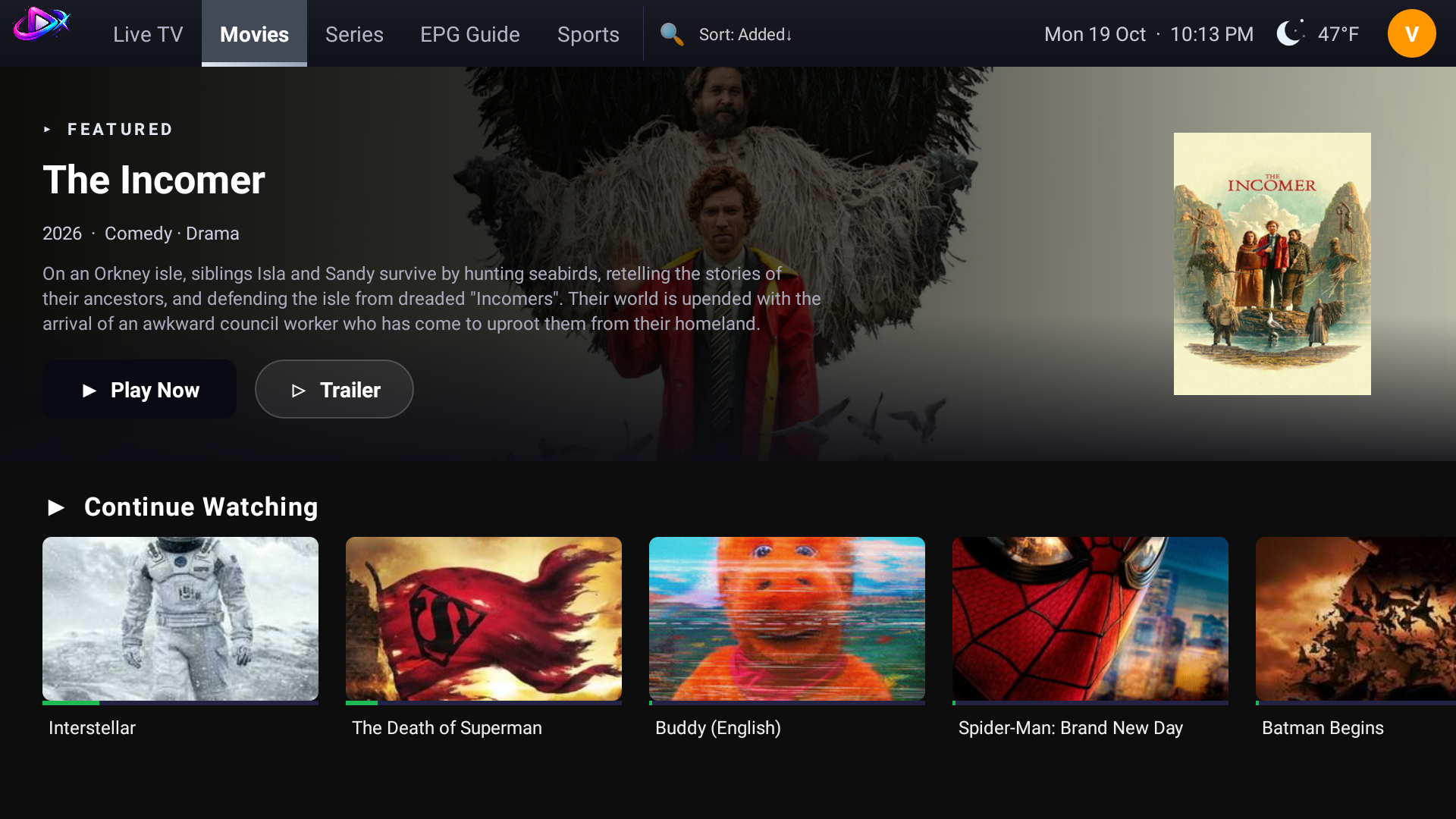
Movies home with a full-width featured banner
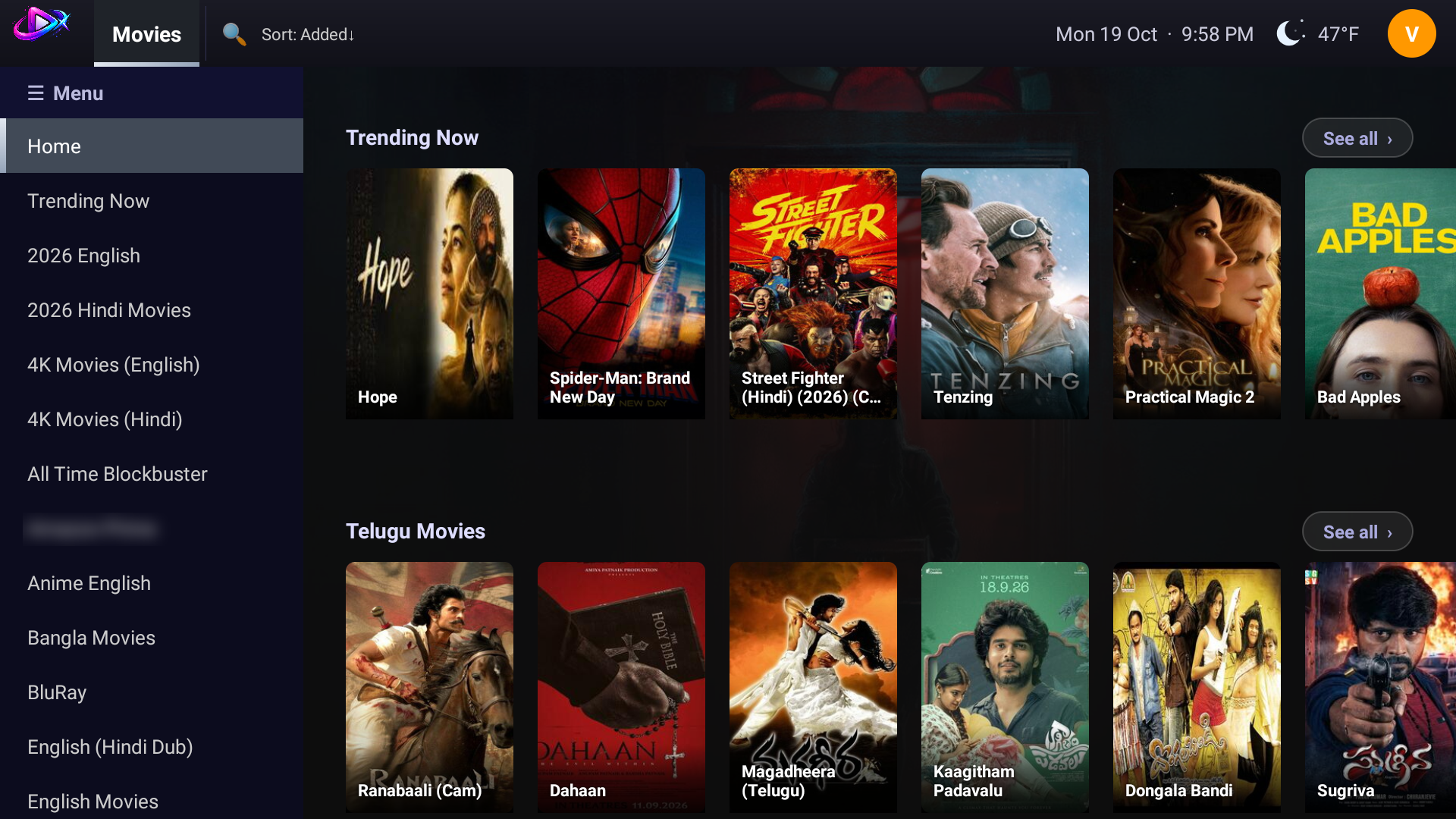
Movies home with the left menu: categories and rows
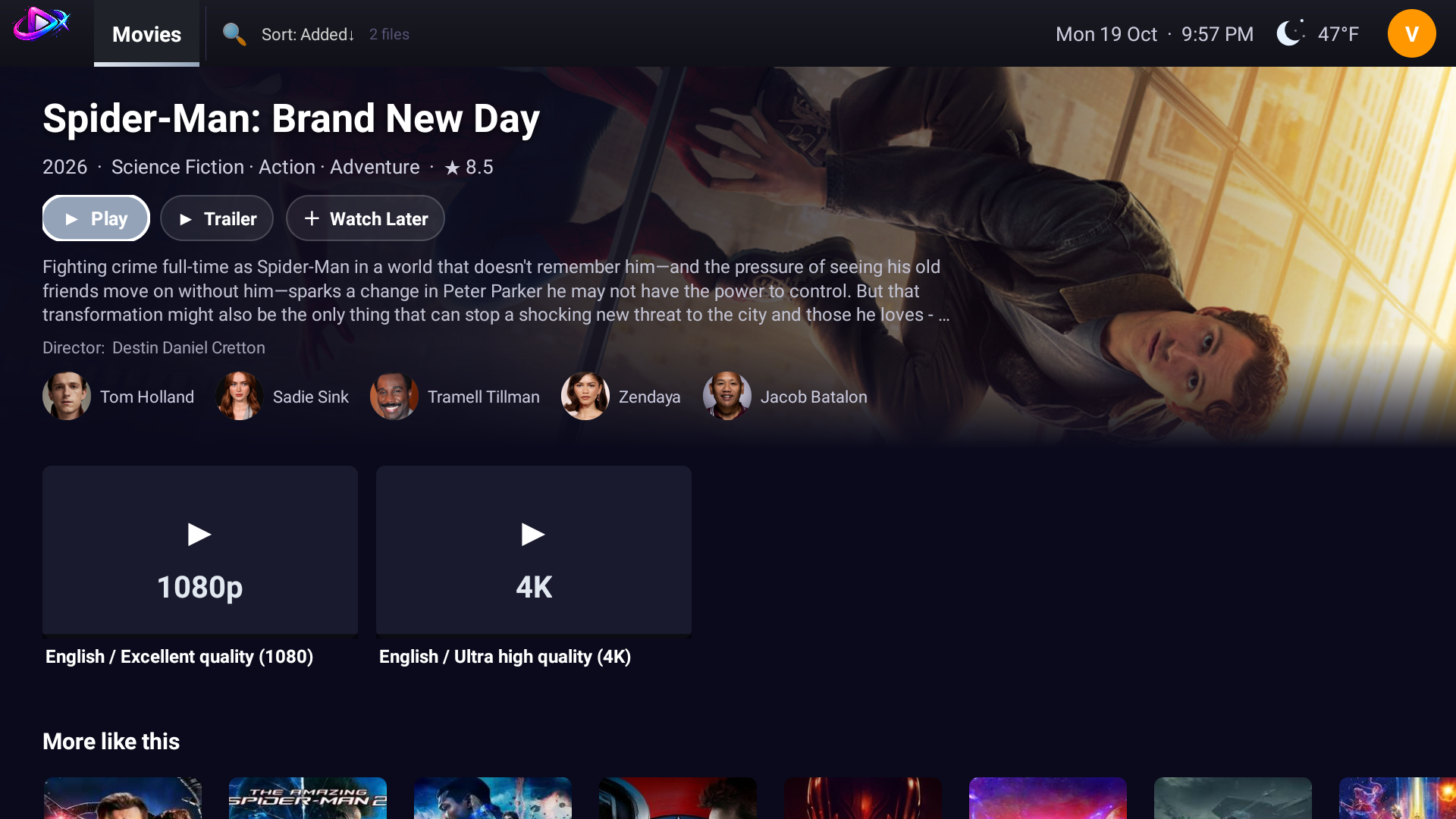
Movie detail with cast, trailer, quality choices and More like this
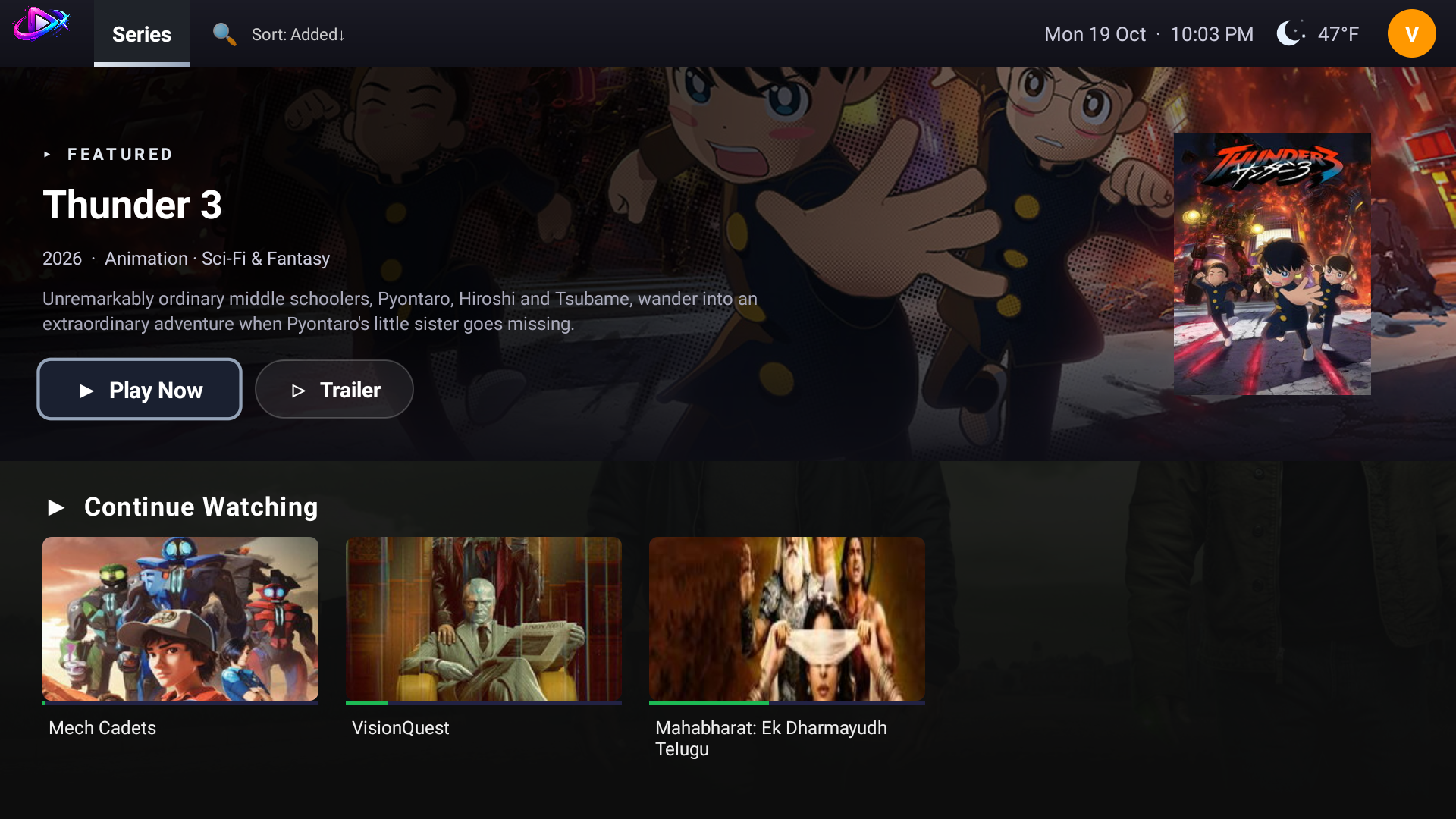
Series home with Continue Watching
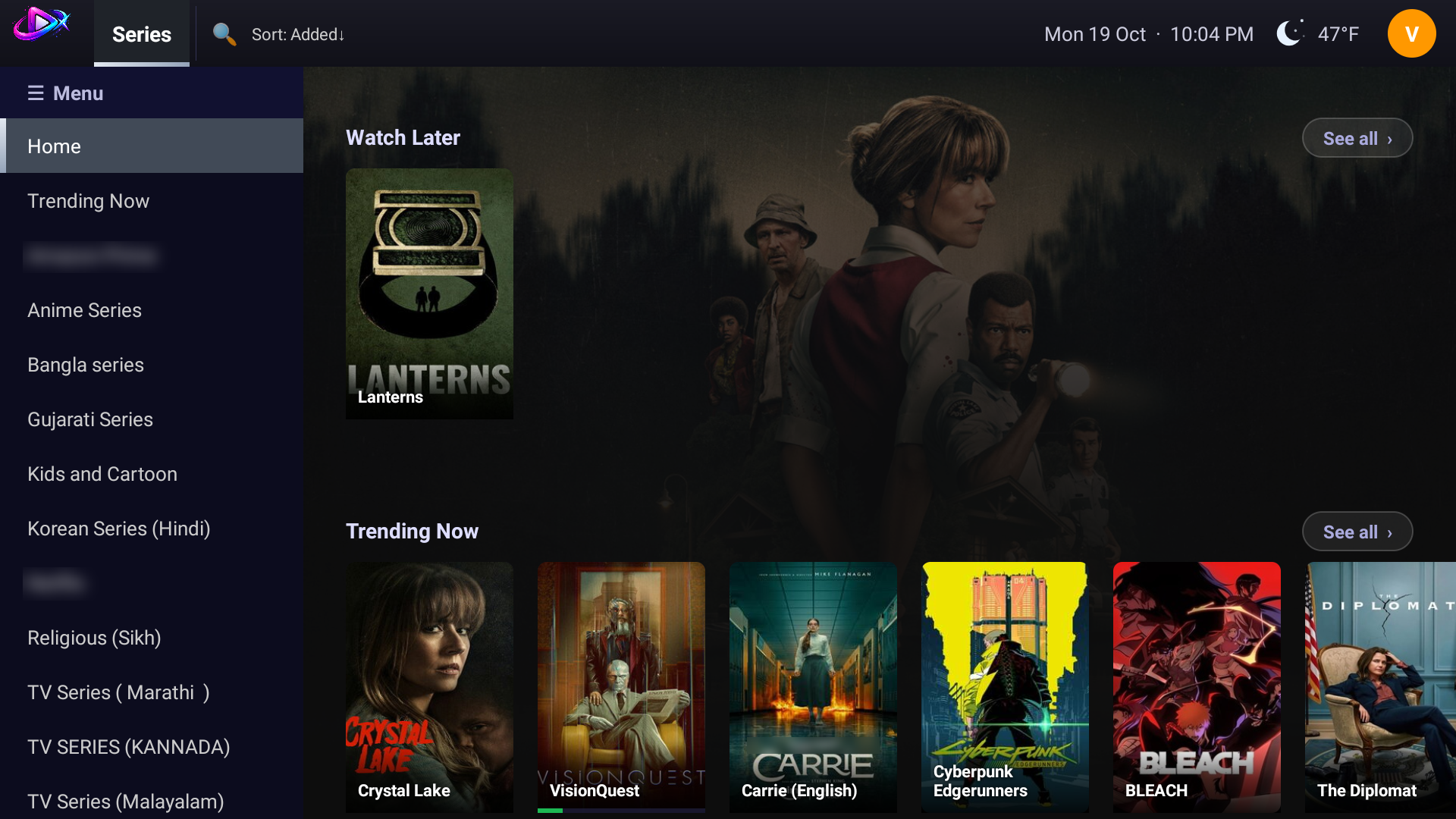
Series home with the left menu
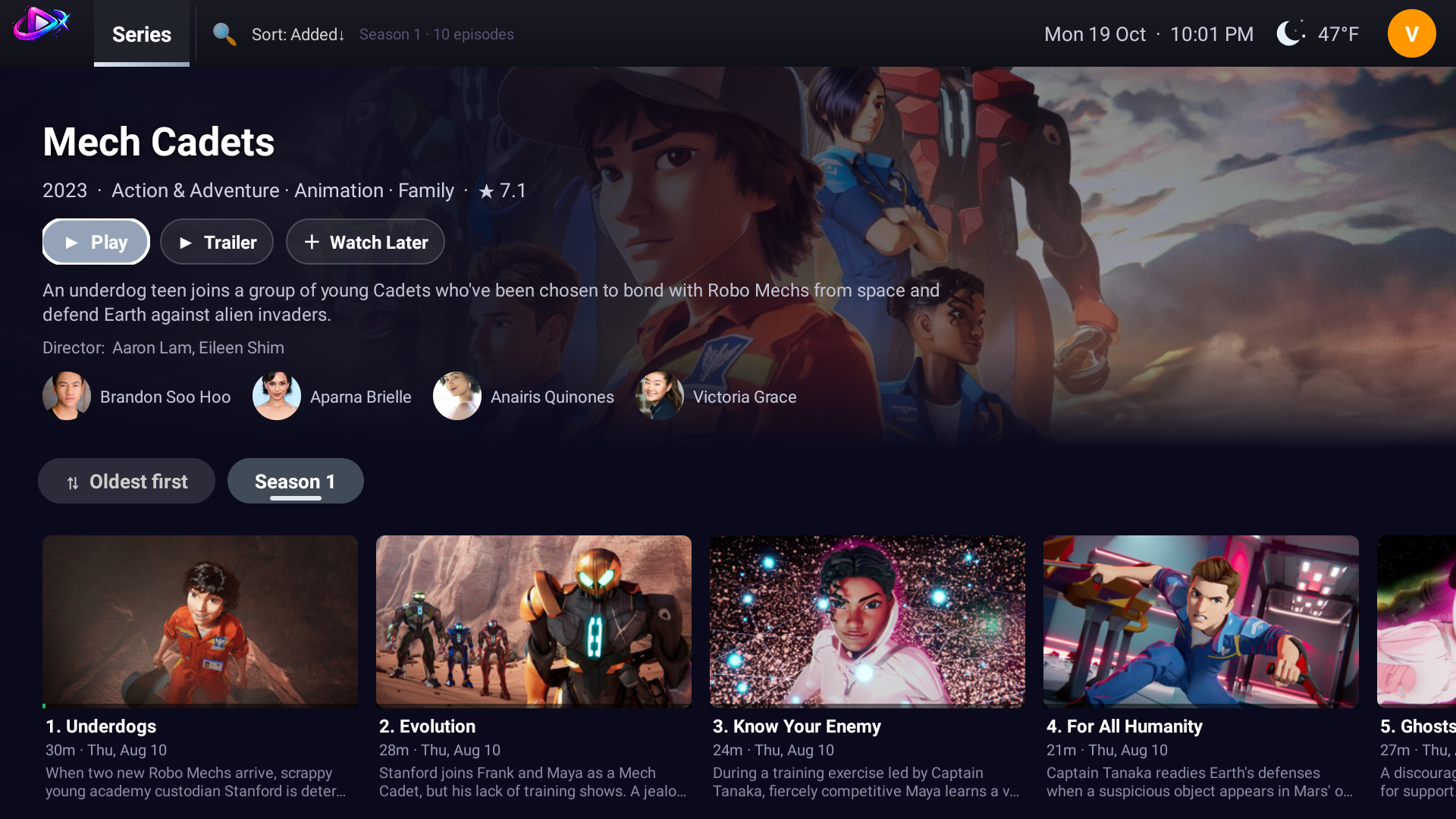
Series detail with seasons, episodes and progress
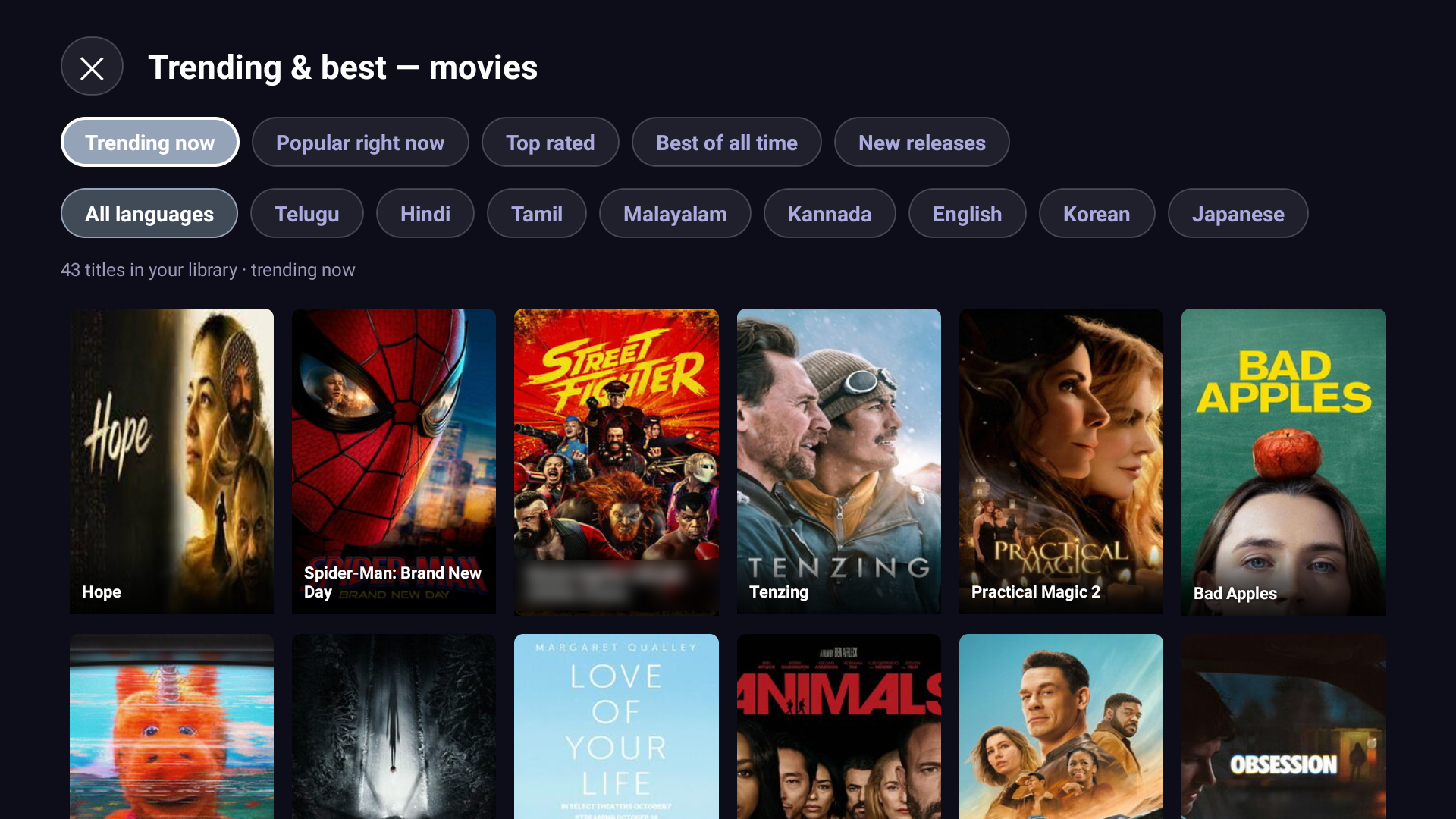
Trending and best lists by language

Live TV and sports

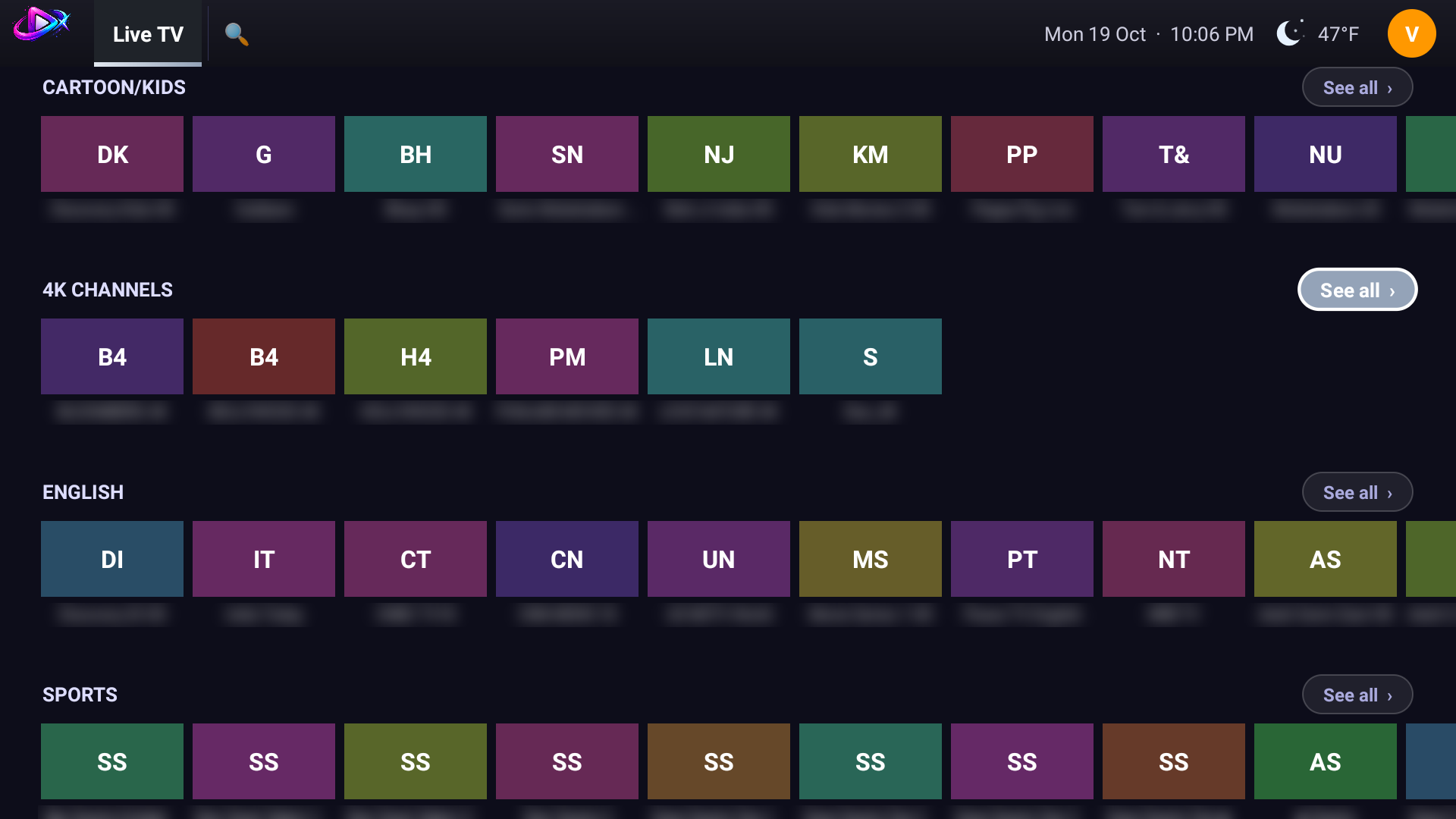
Live TV home with channel rows
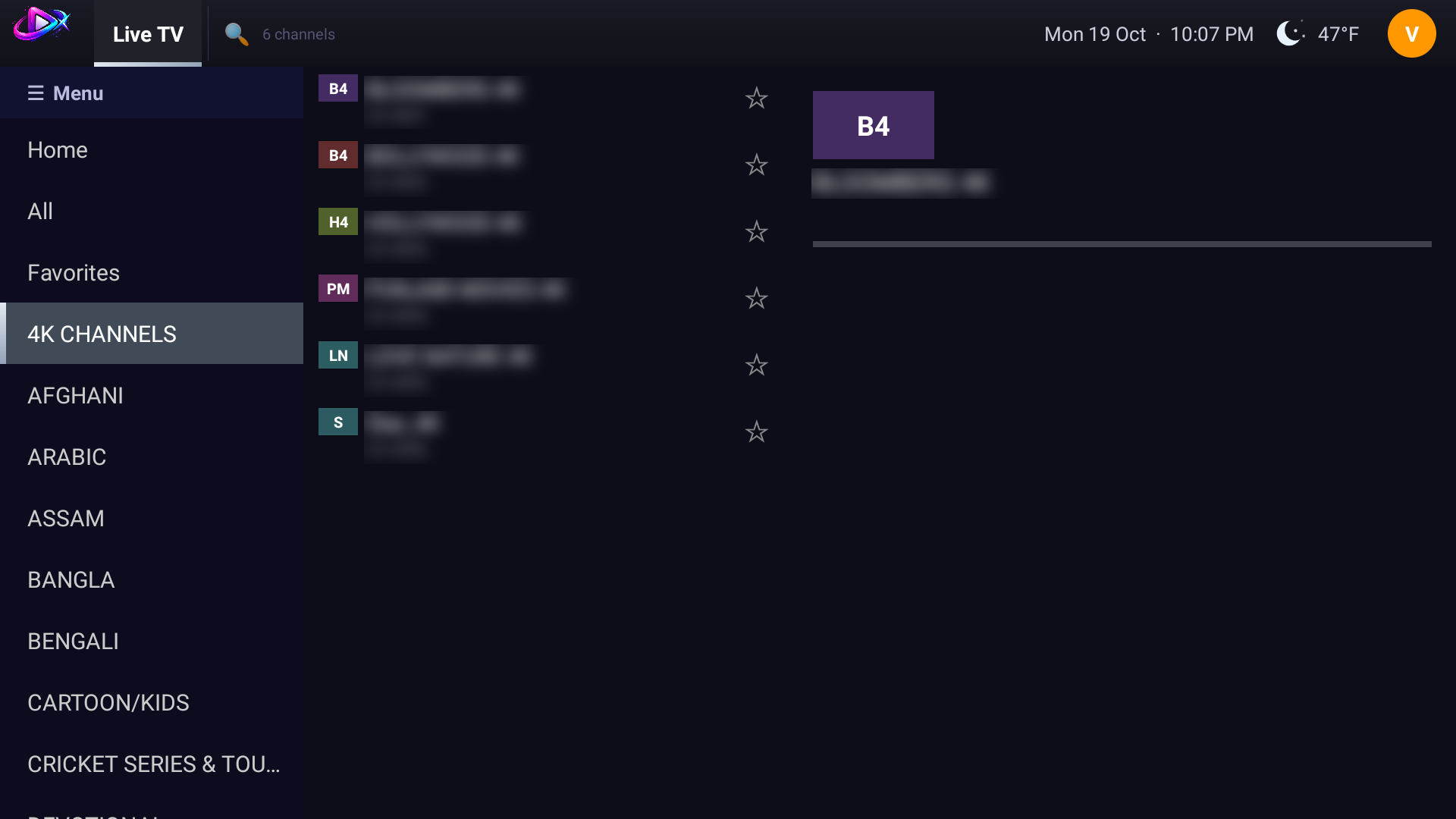
Live TV with the left menu and the channel list
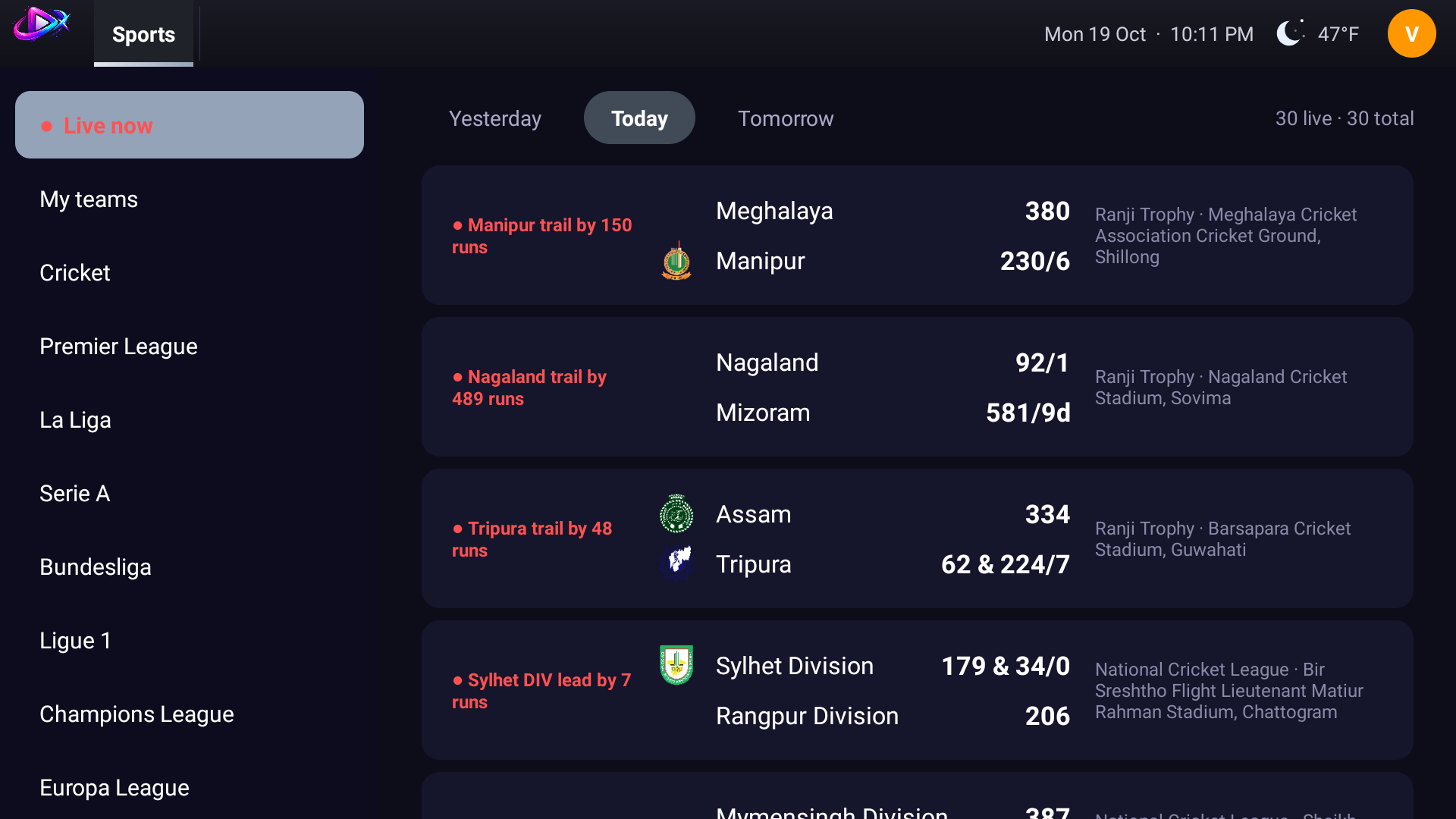
Sports tab with live scores and fixtures

Playing and finding

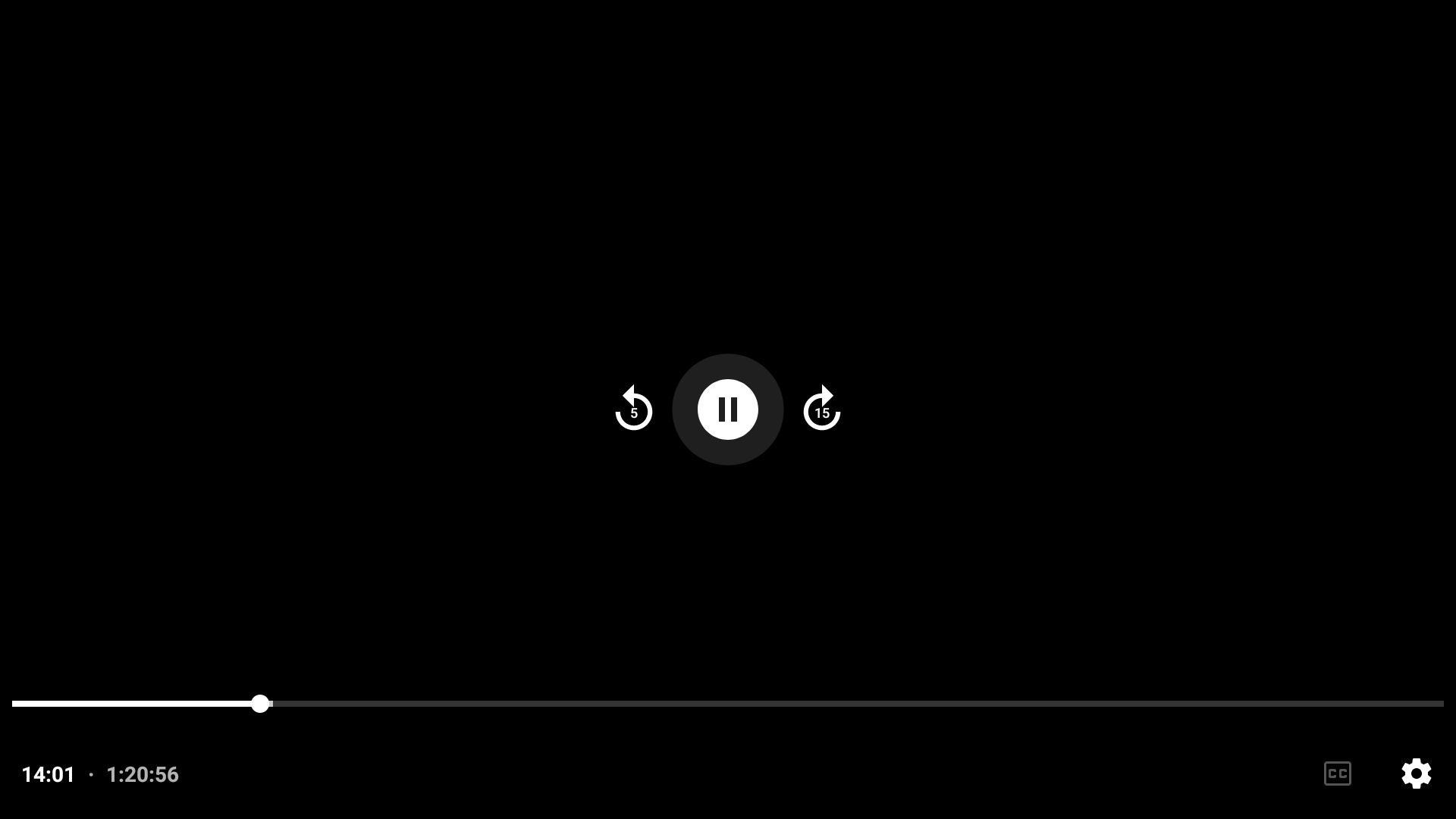
Full-screen playback with transport controls
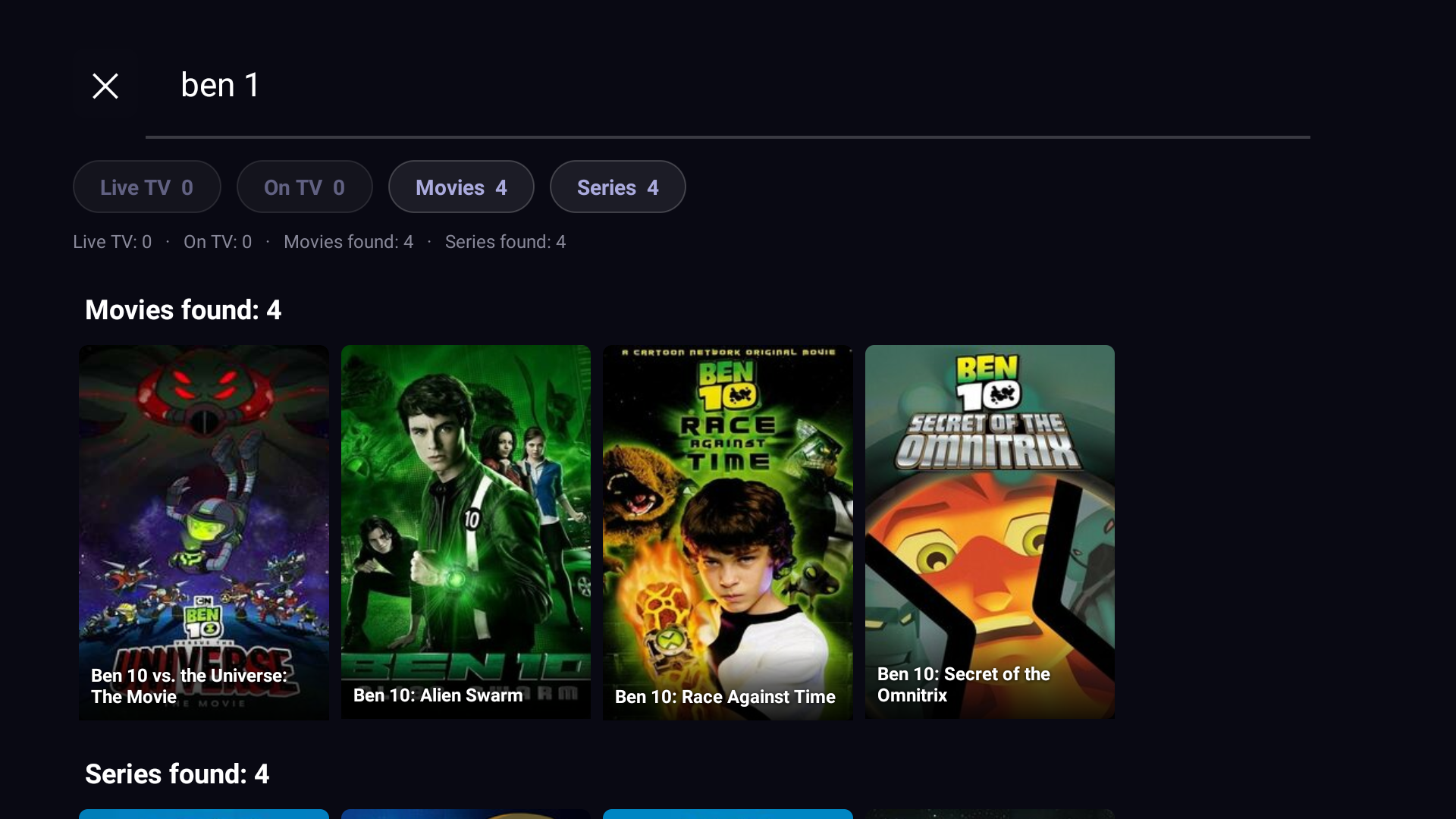
Search with instant results across your library

Setup and accounts

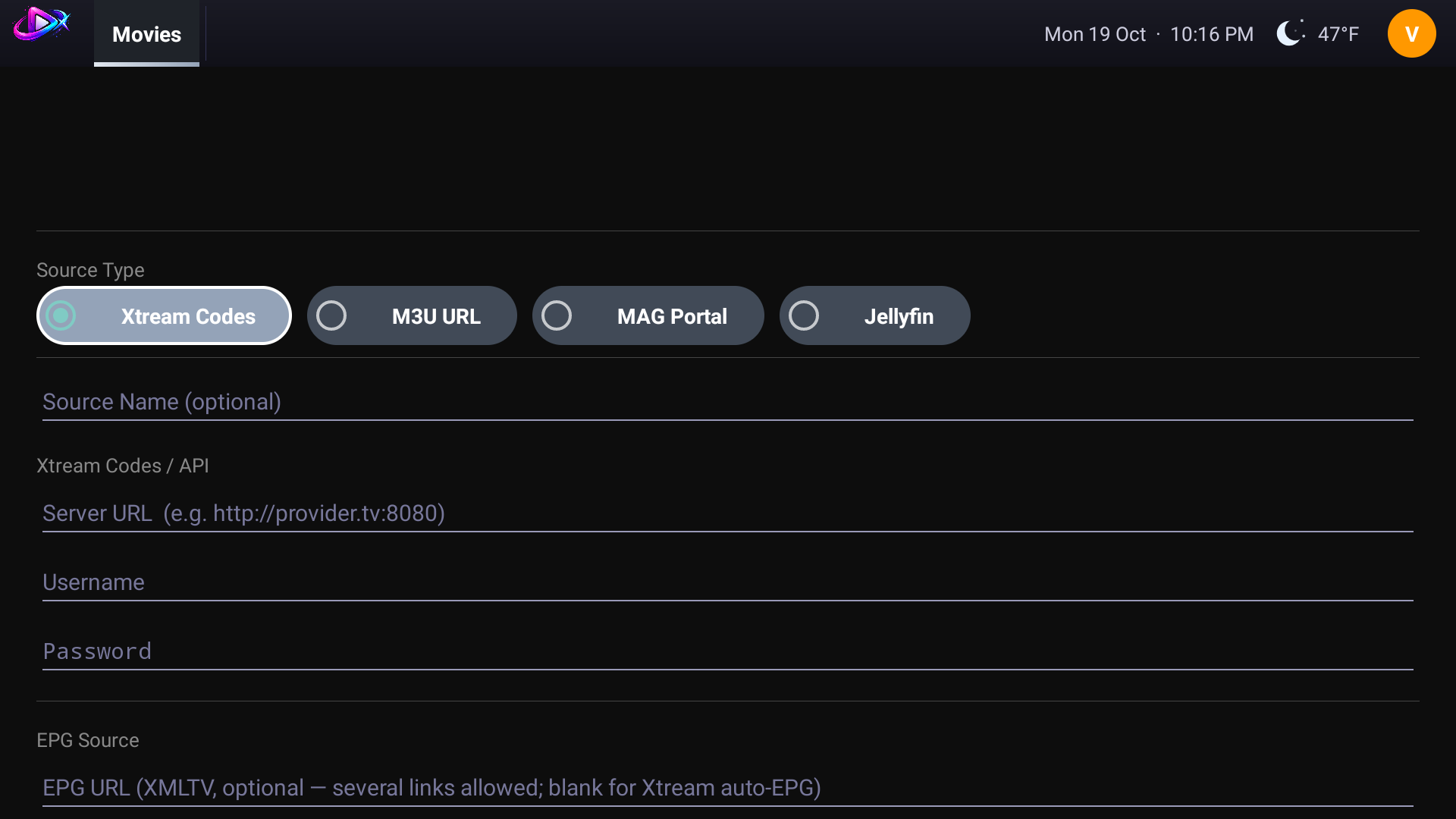
Add a source: M3U, Xtream, MAG portal or Jellyfin
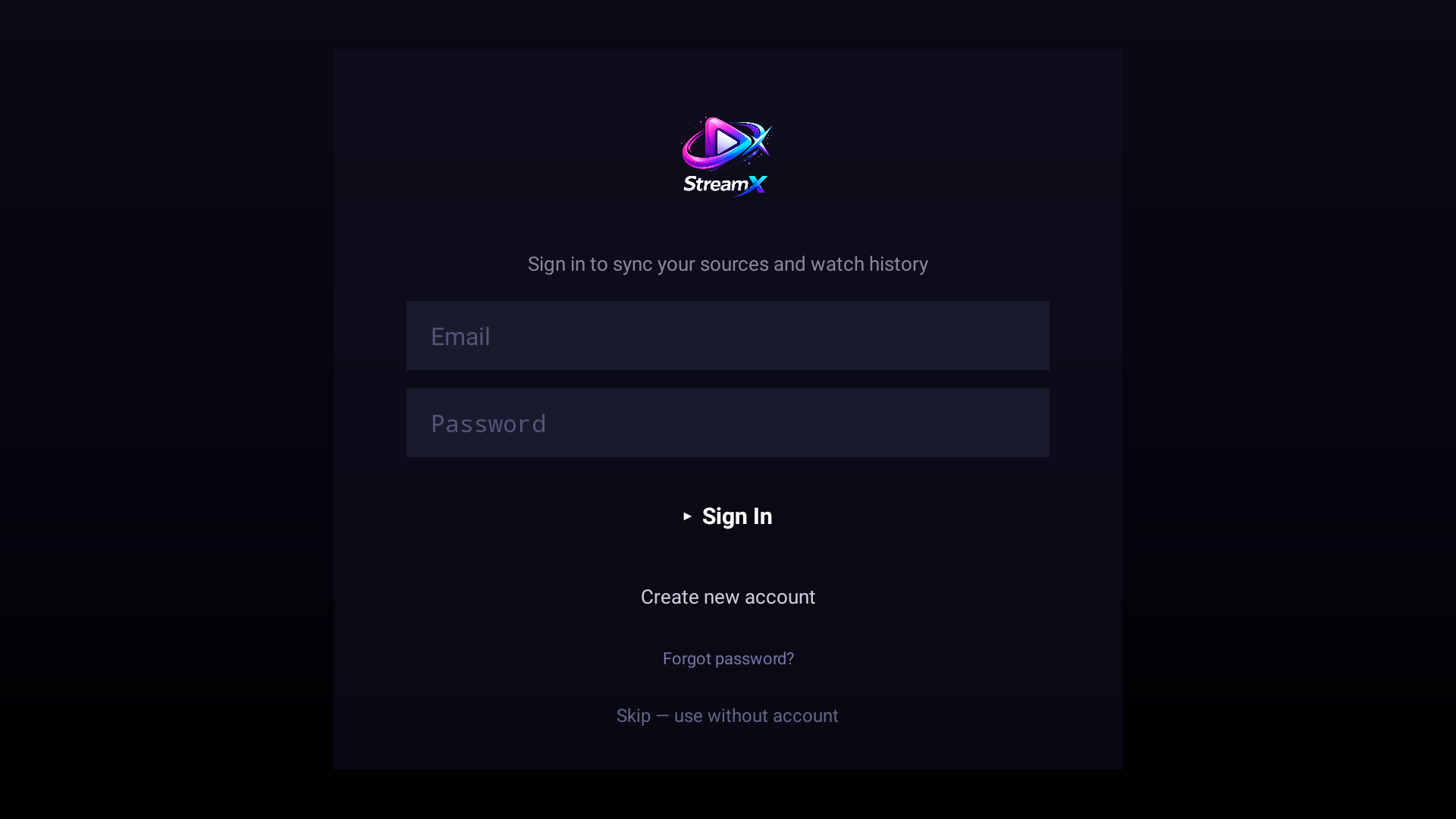
Optional account sign-in for cross-device sync
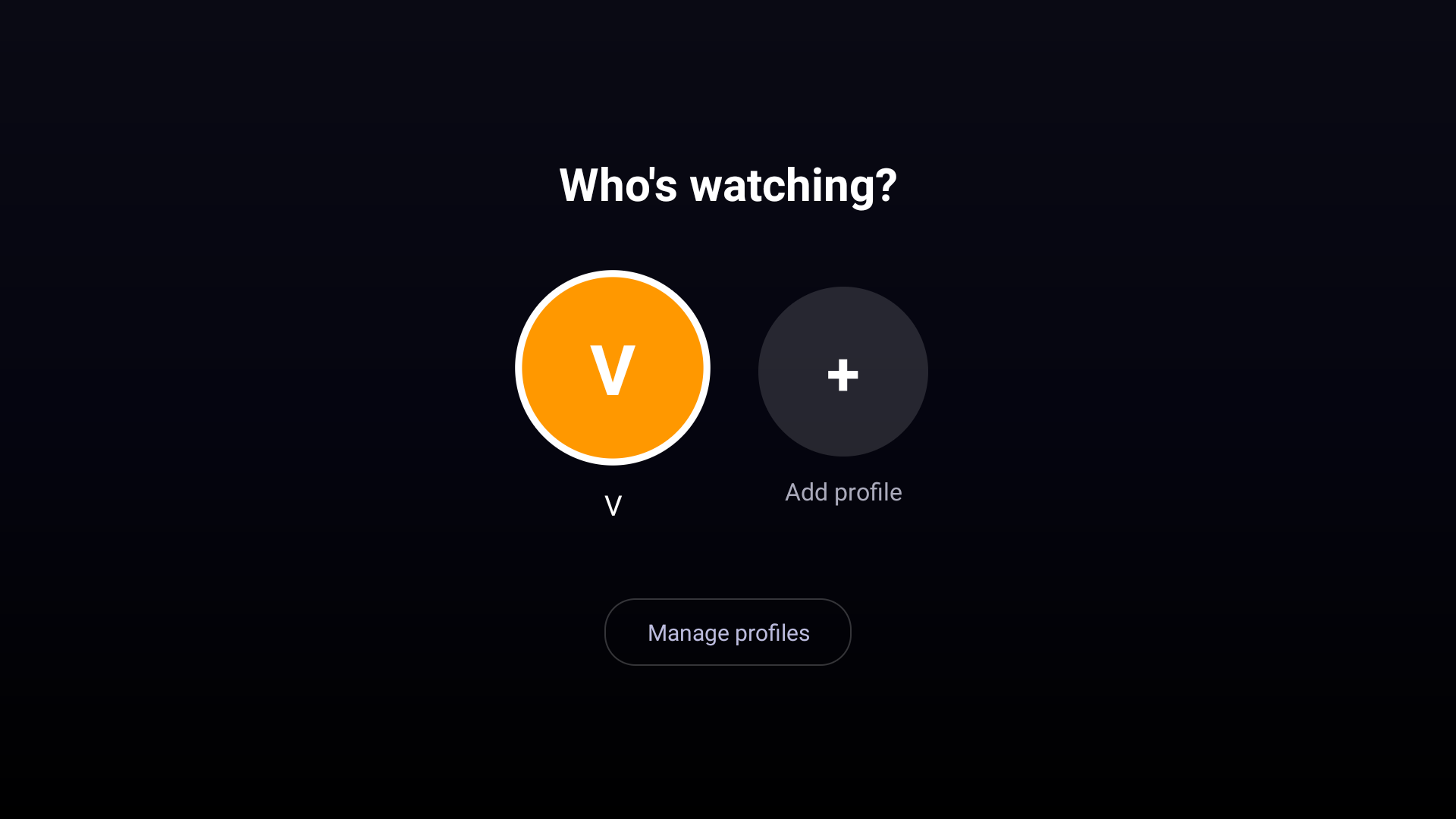
Who's watching? Separate viewing profiles
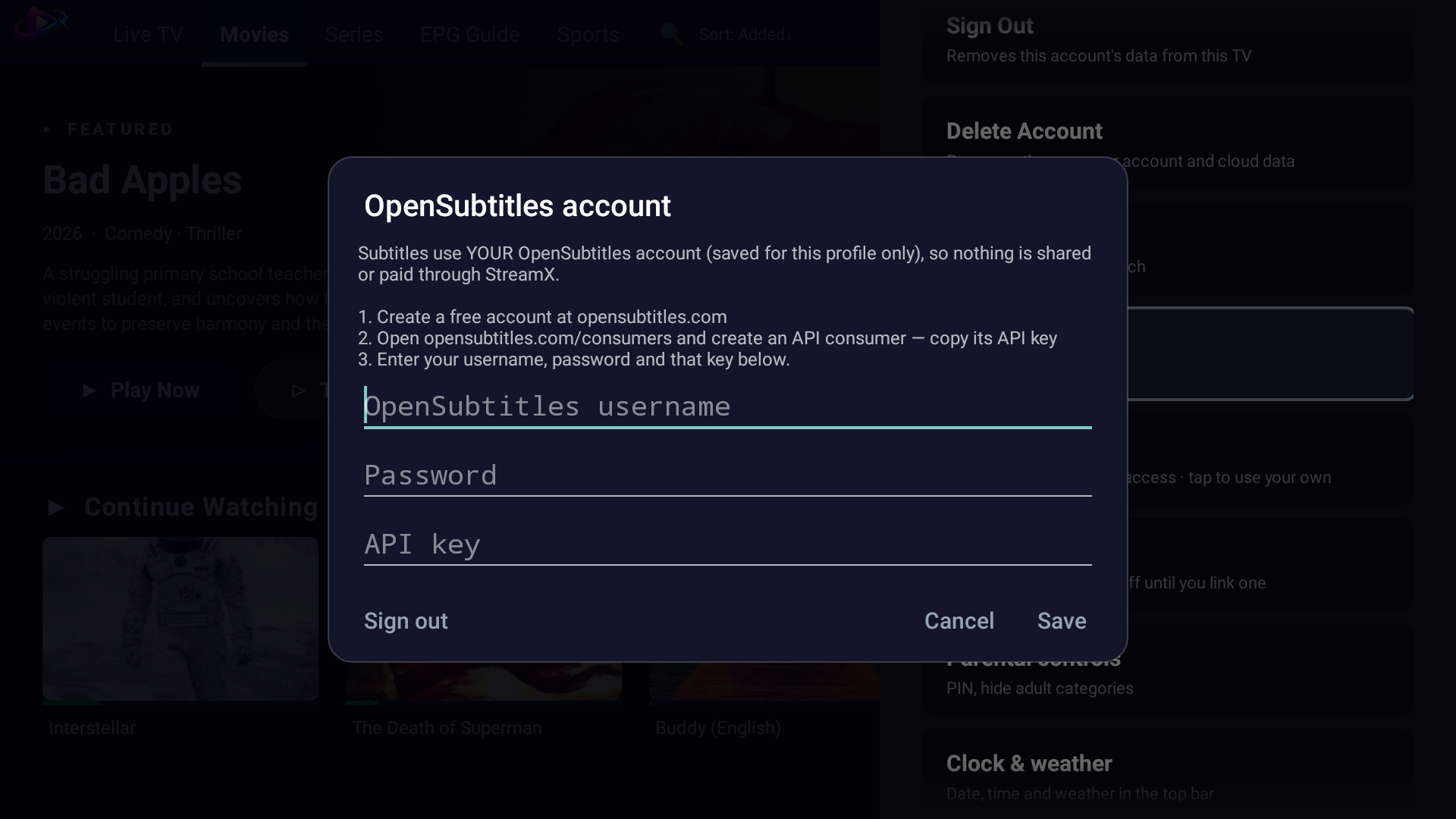
Subtitles with your own OpenSubtitles account
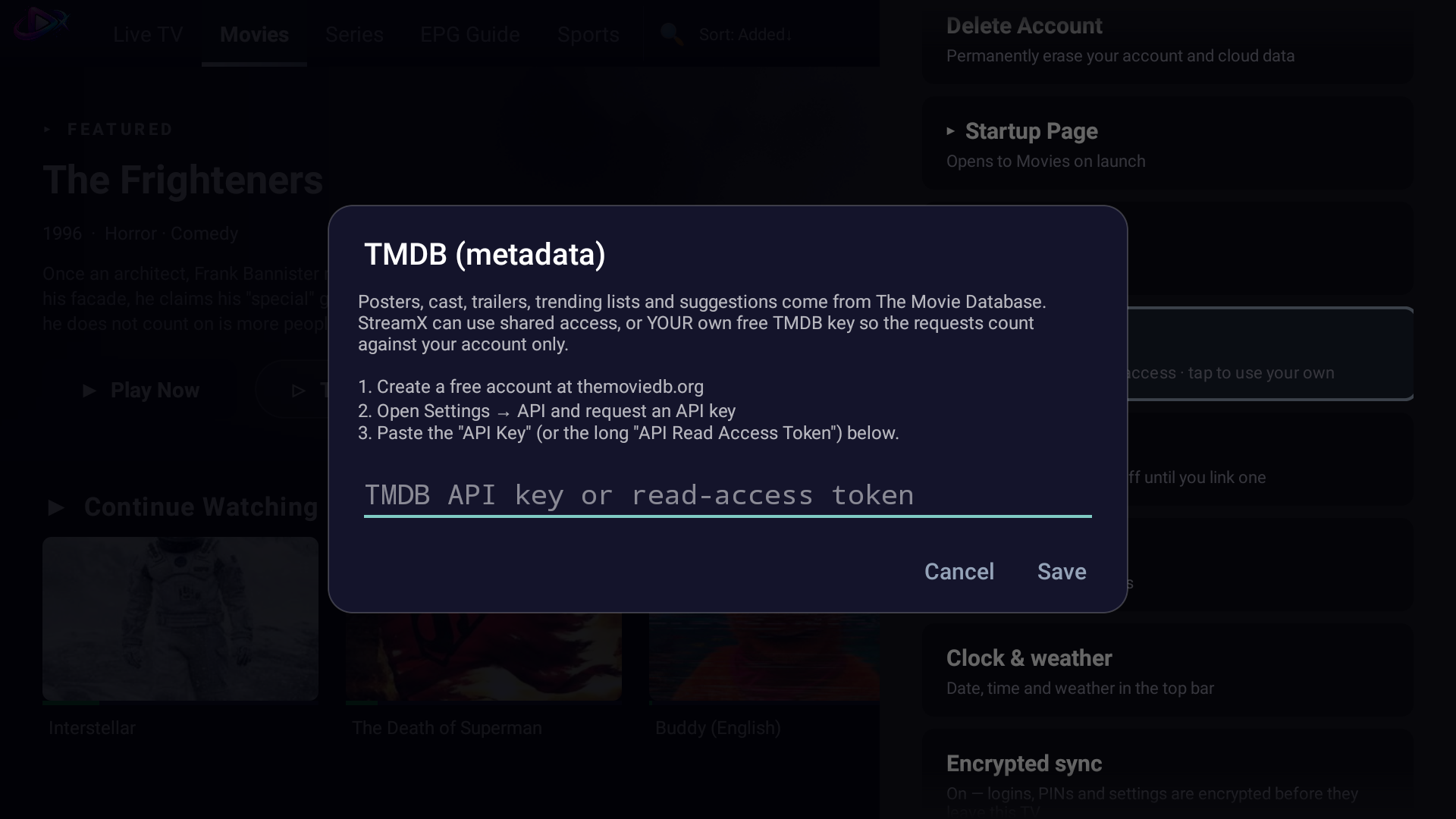
Use your own TMDB key for metadata
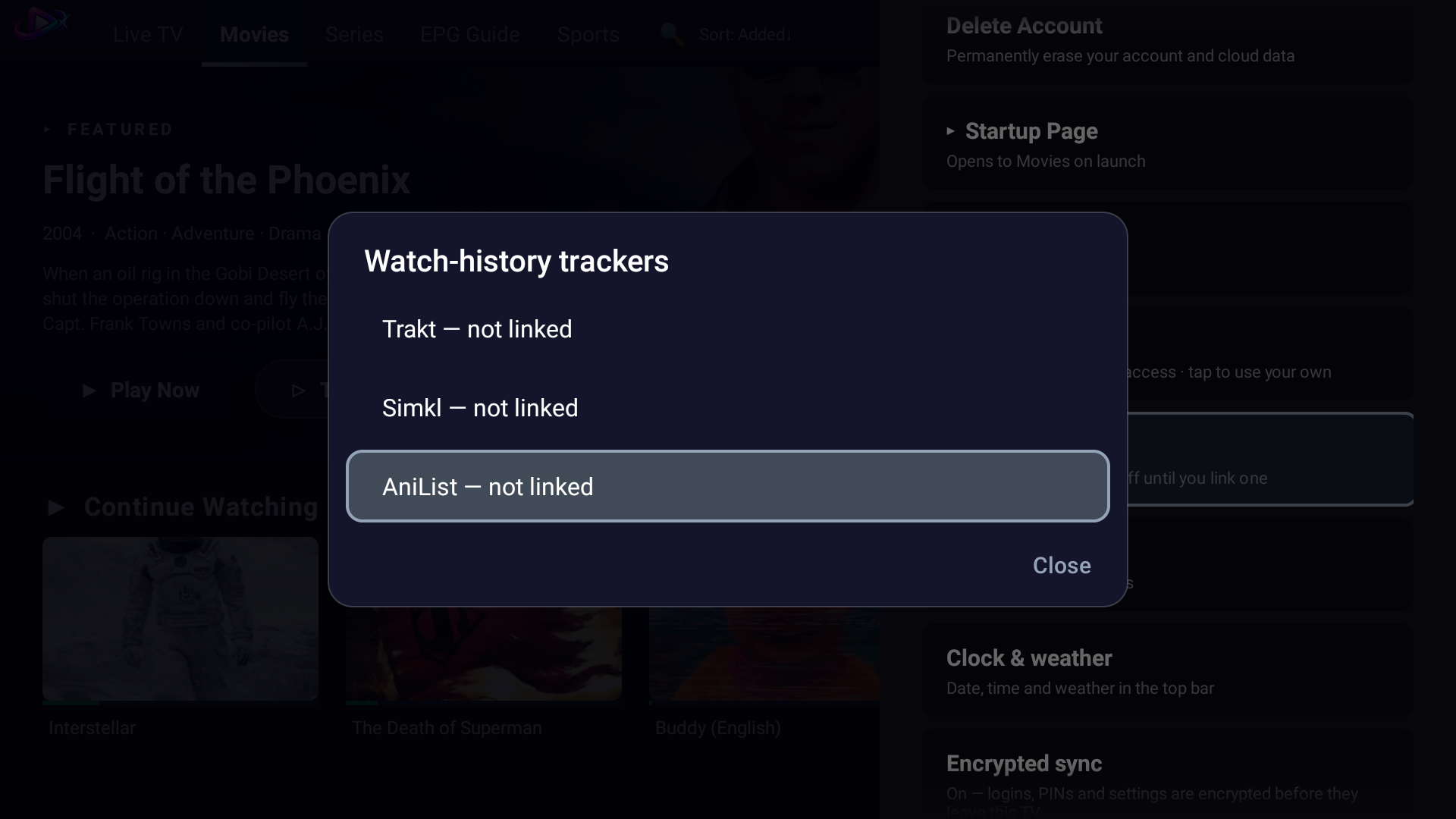
Optional watch-history trackers: Trakt, Simkl, AniList

Settings

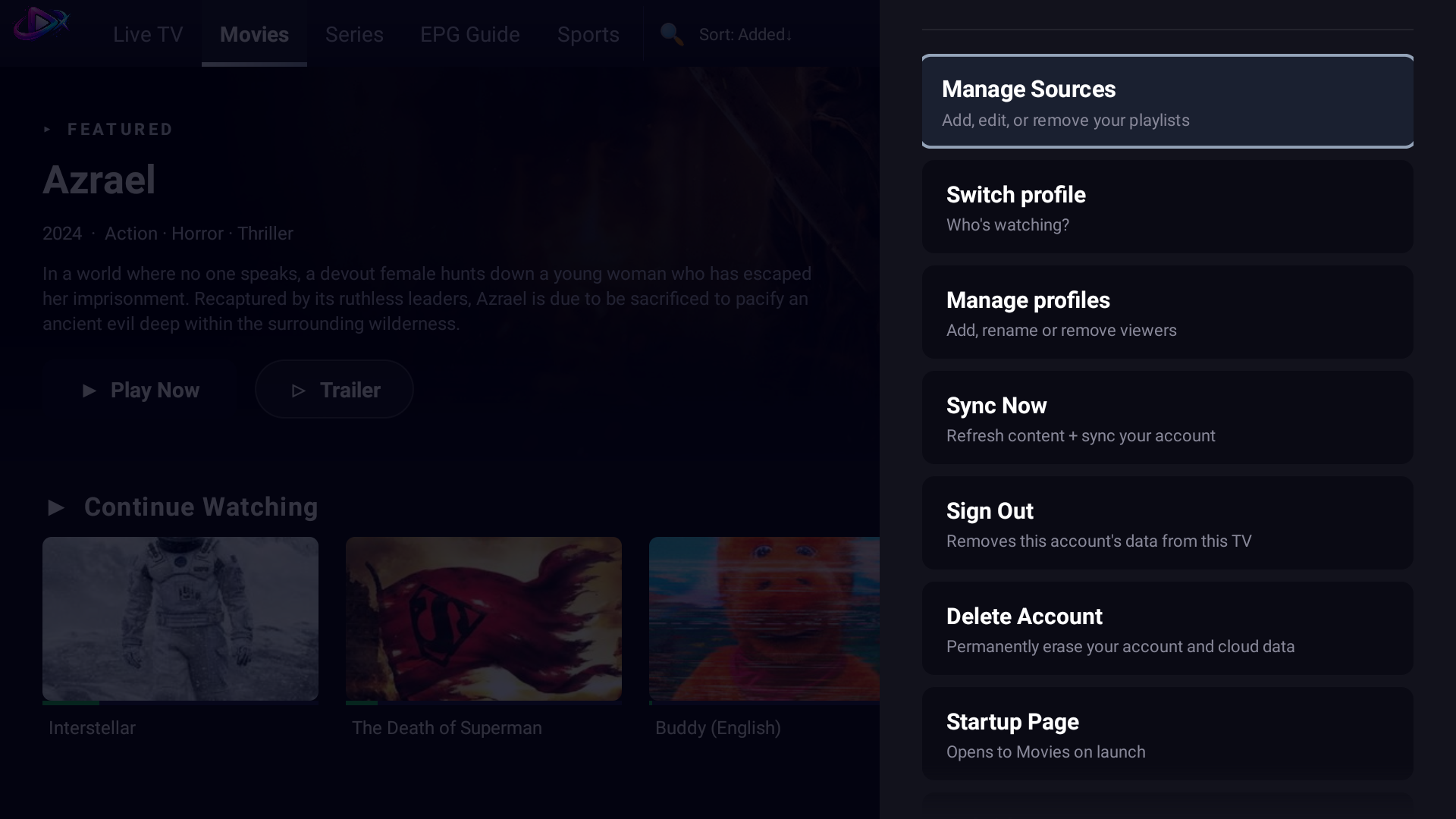
Settings 1: sources, profiles, sync, sign out and delete account
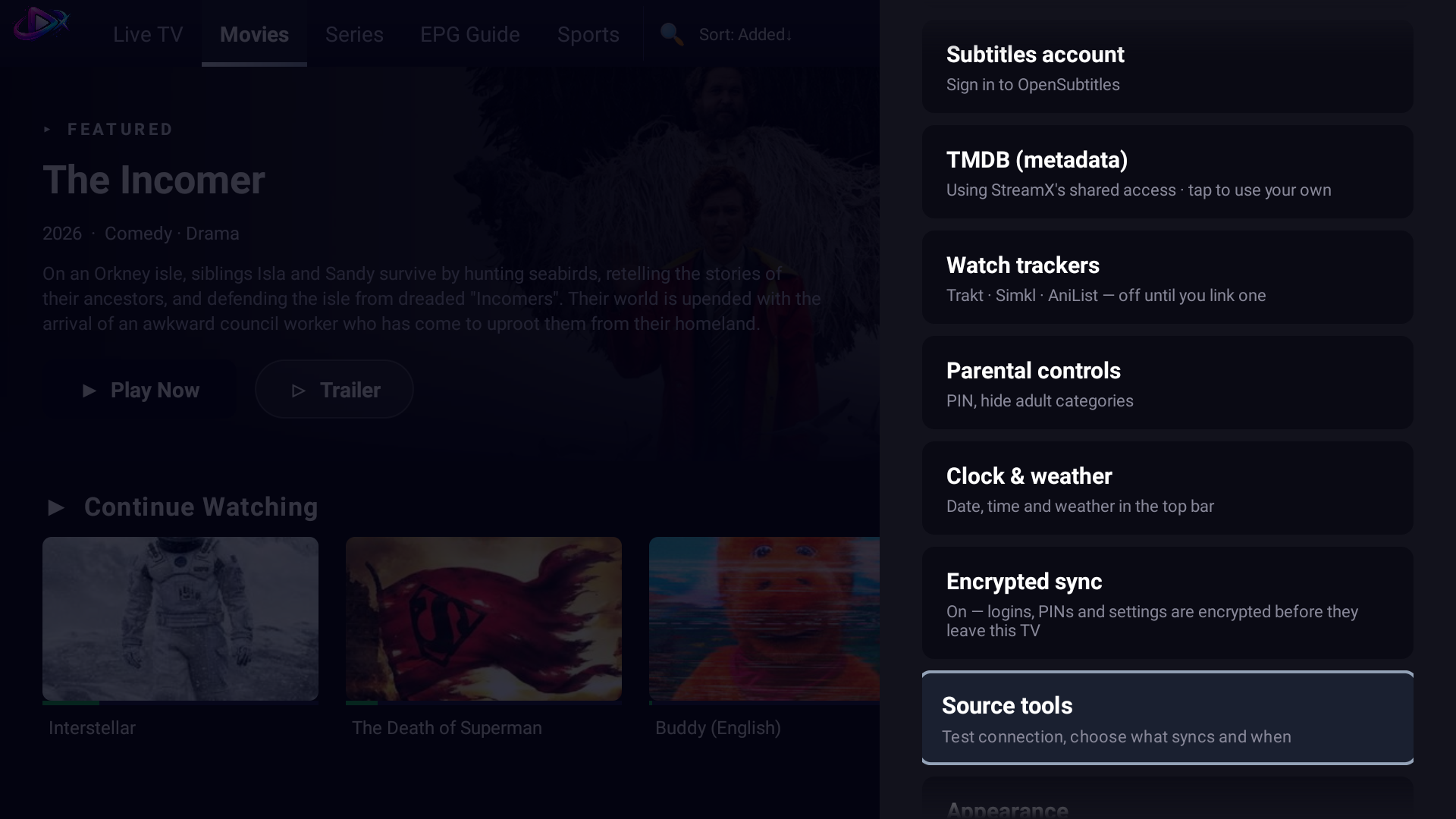
Settings 2: subtitles, TMDB, trackers, parental controls and encrypted sync
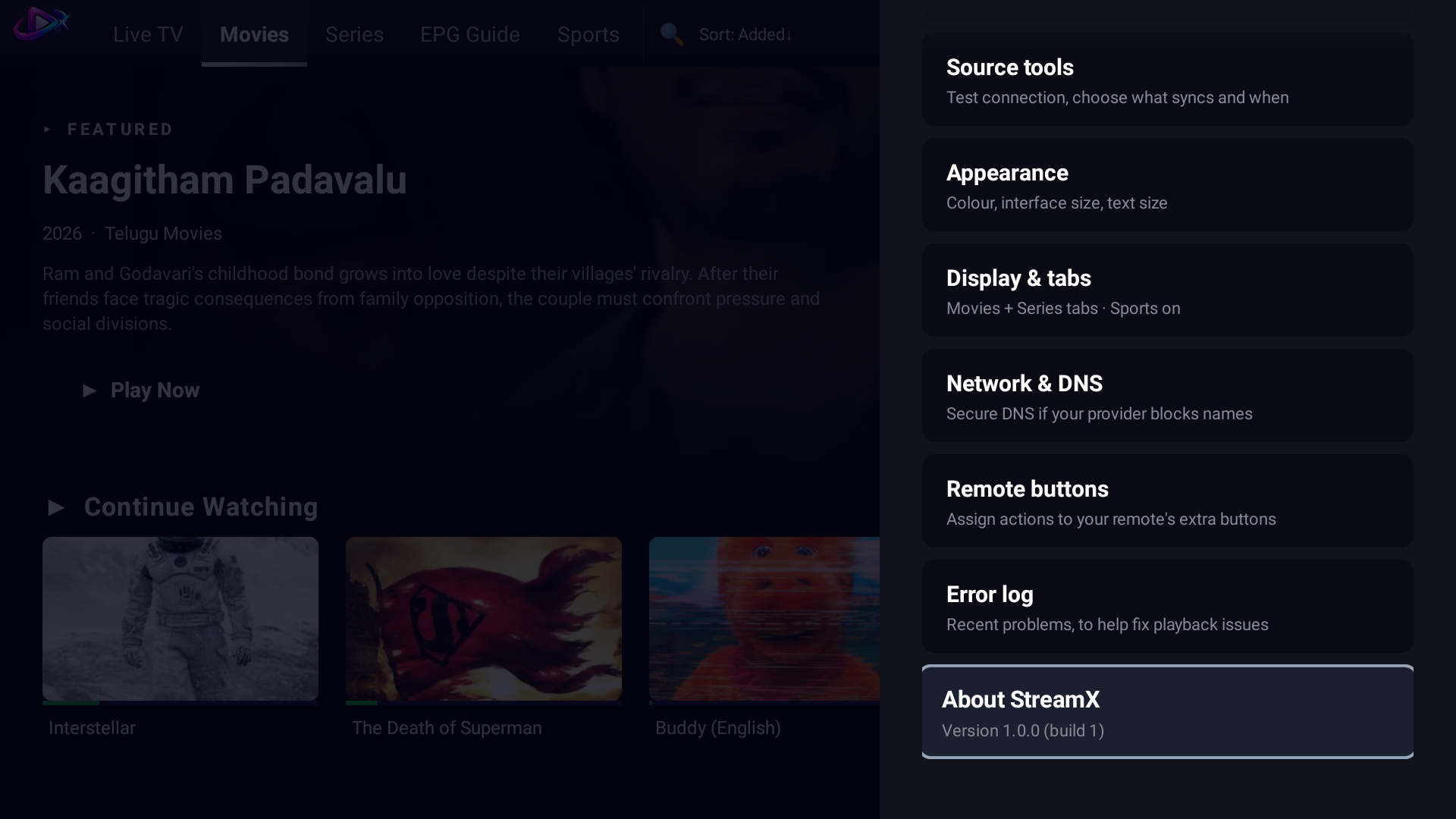
Settings 3: appearance, display, network, remote buttons and About
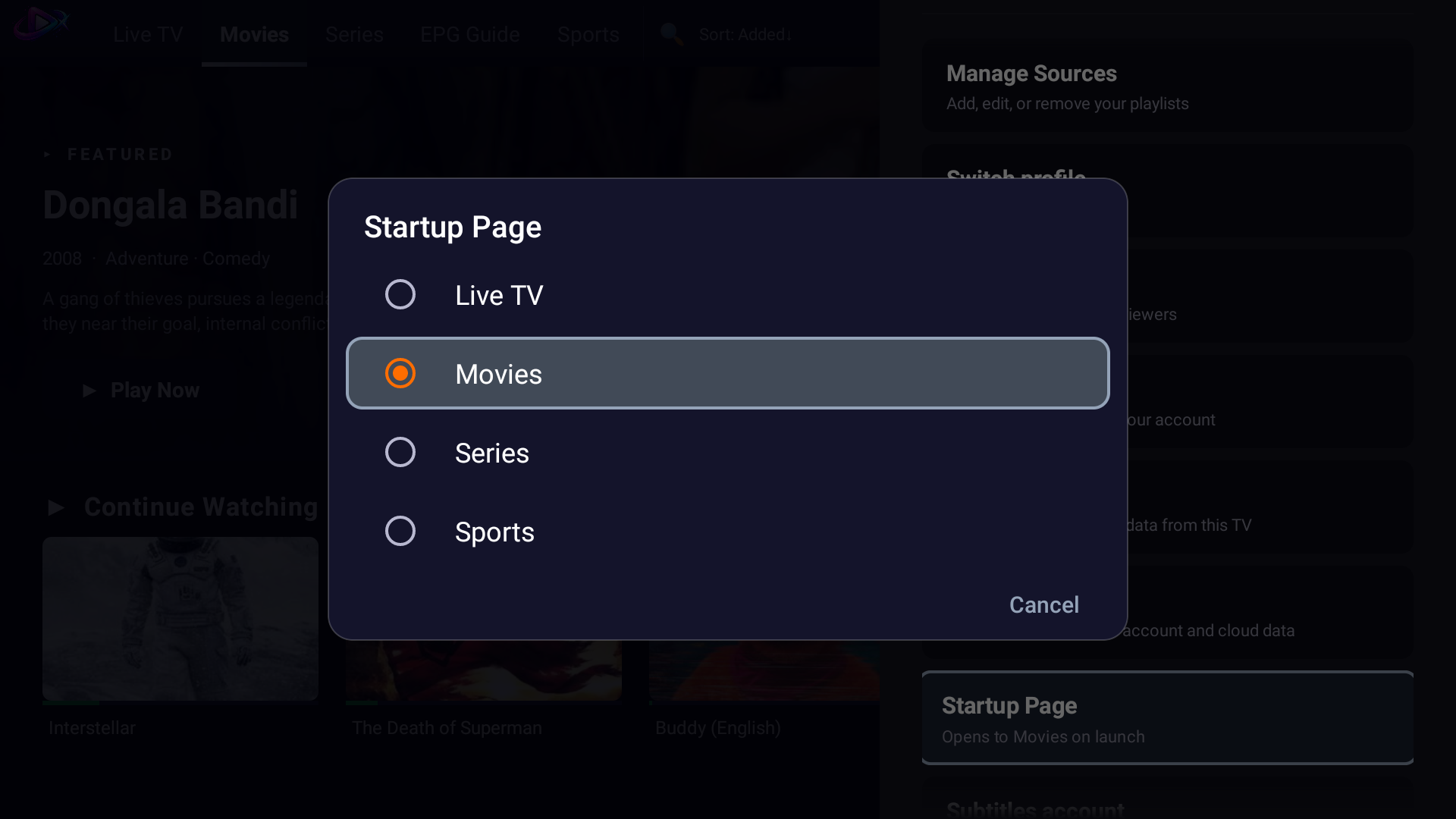
Choose which page StreamX opens to
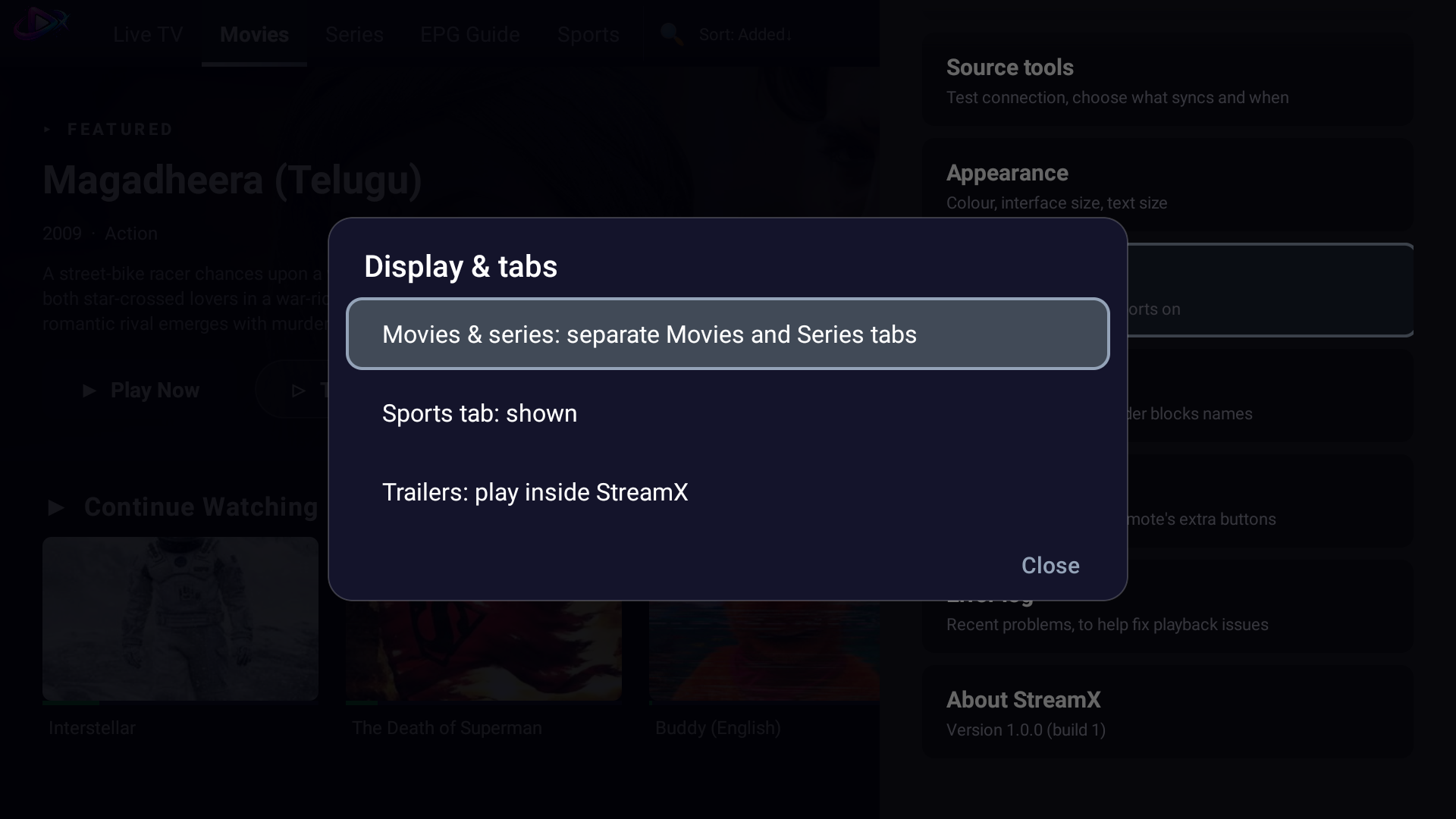
Display and tab options